Reverse Movie Maker and Editor1.1
Publisher Description
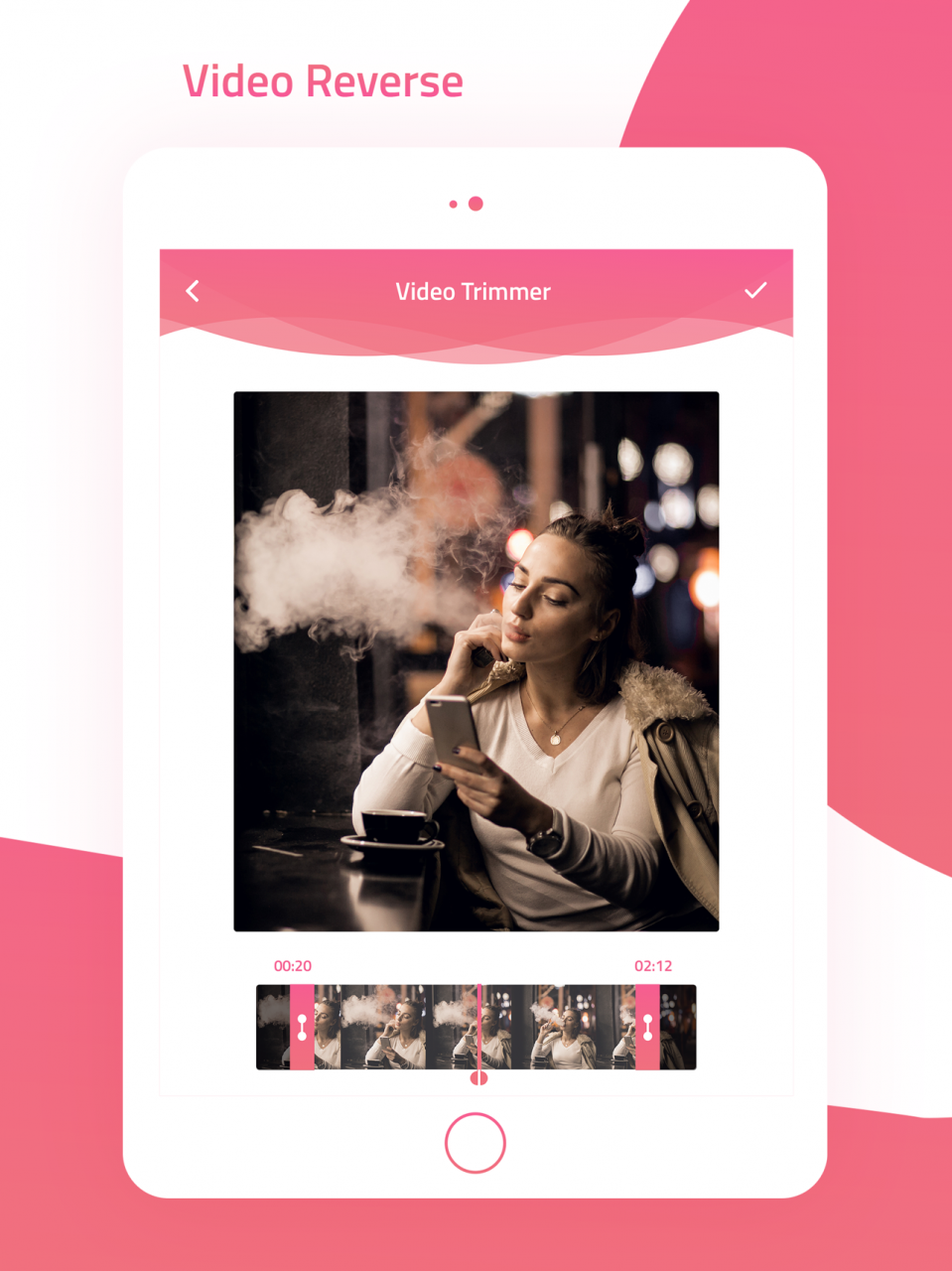
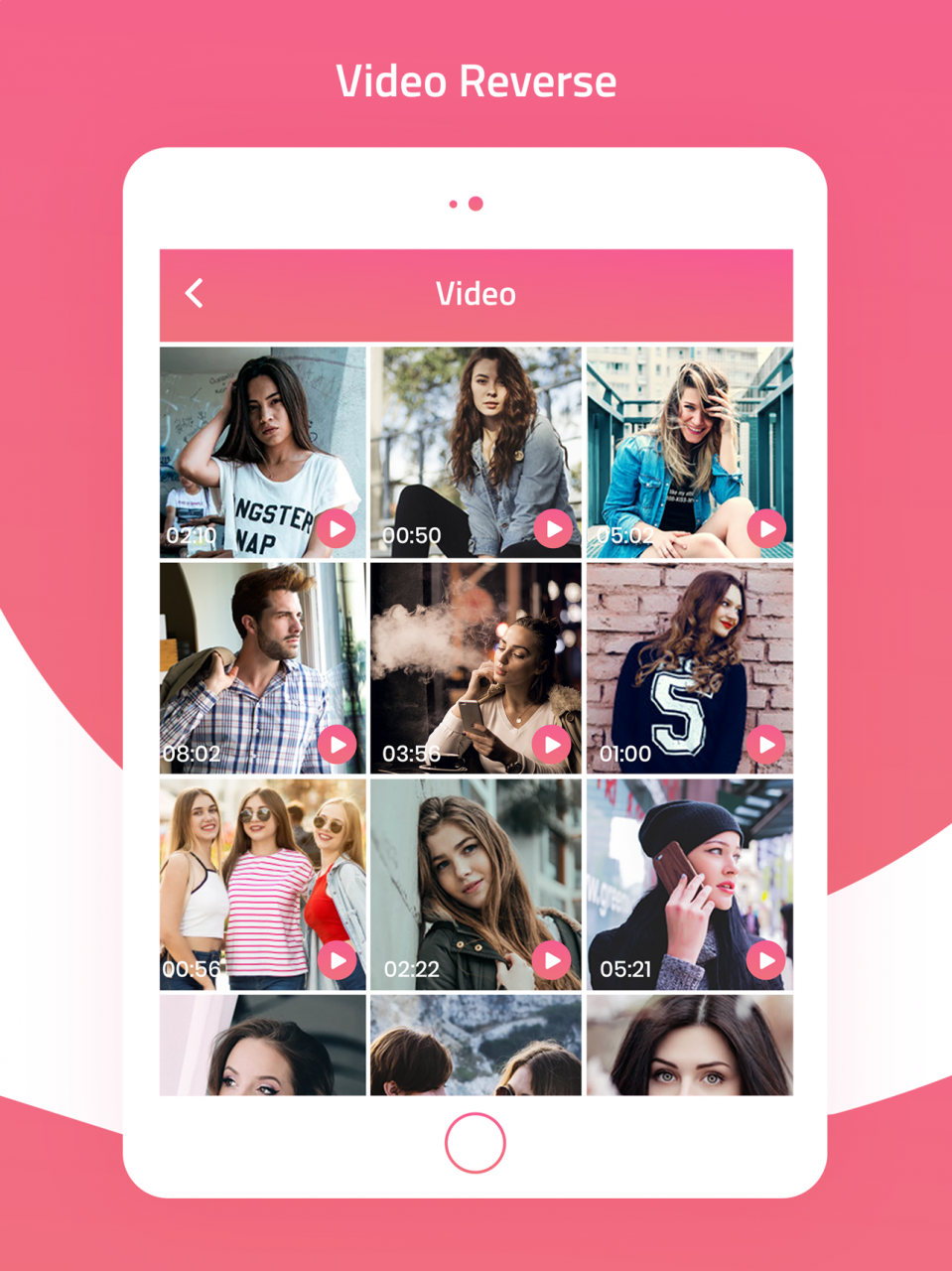
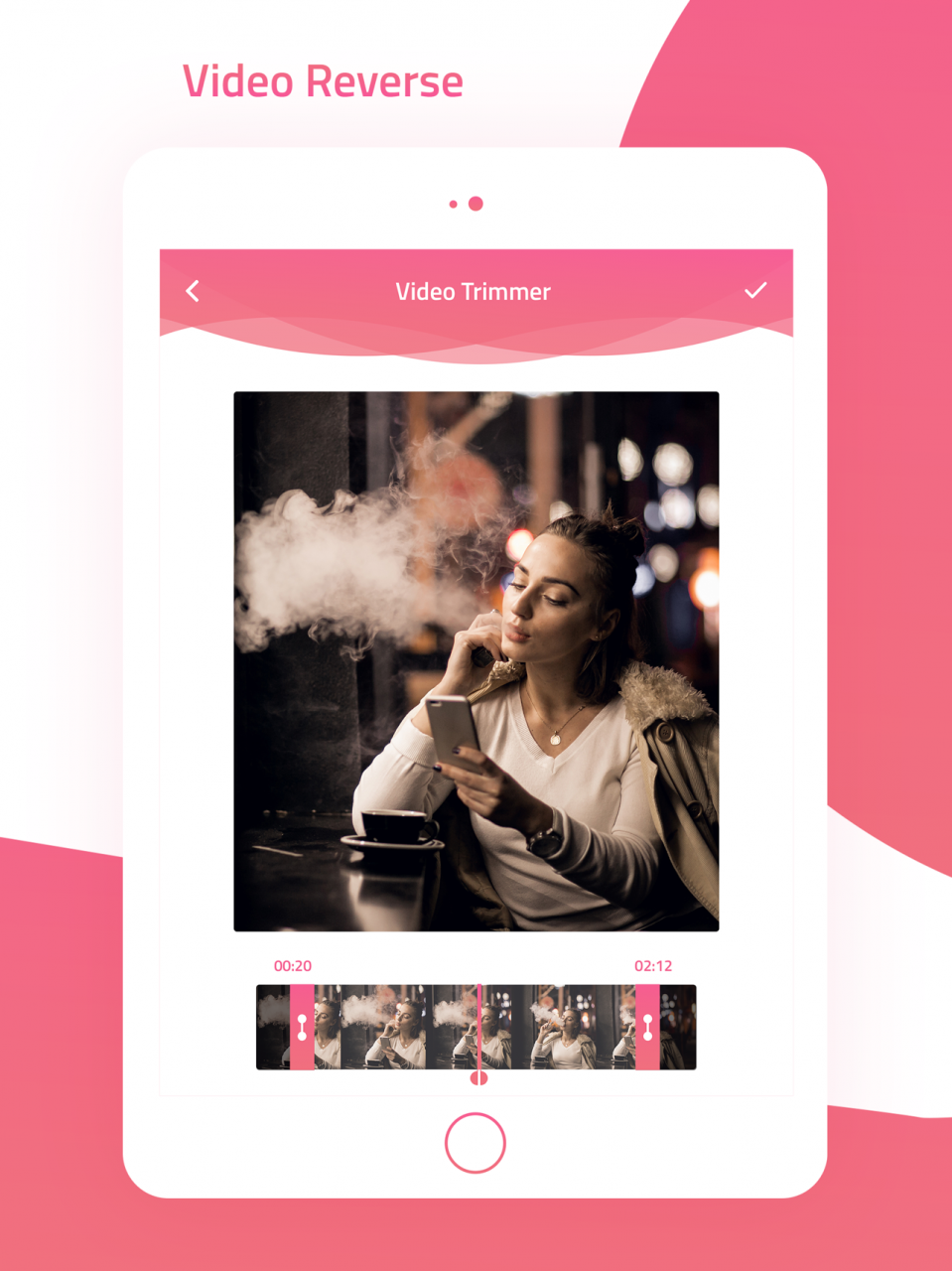
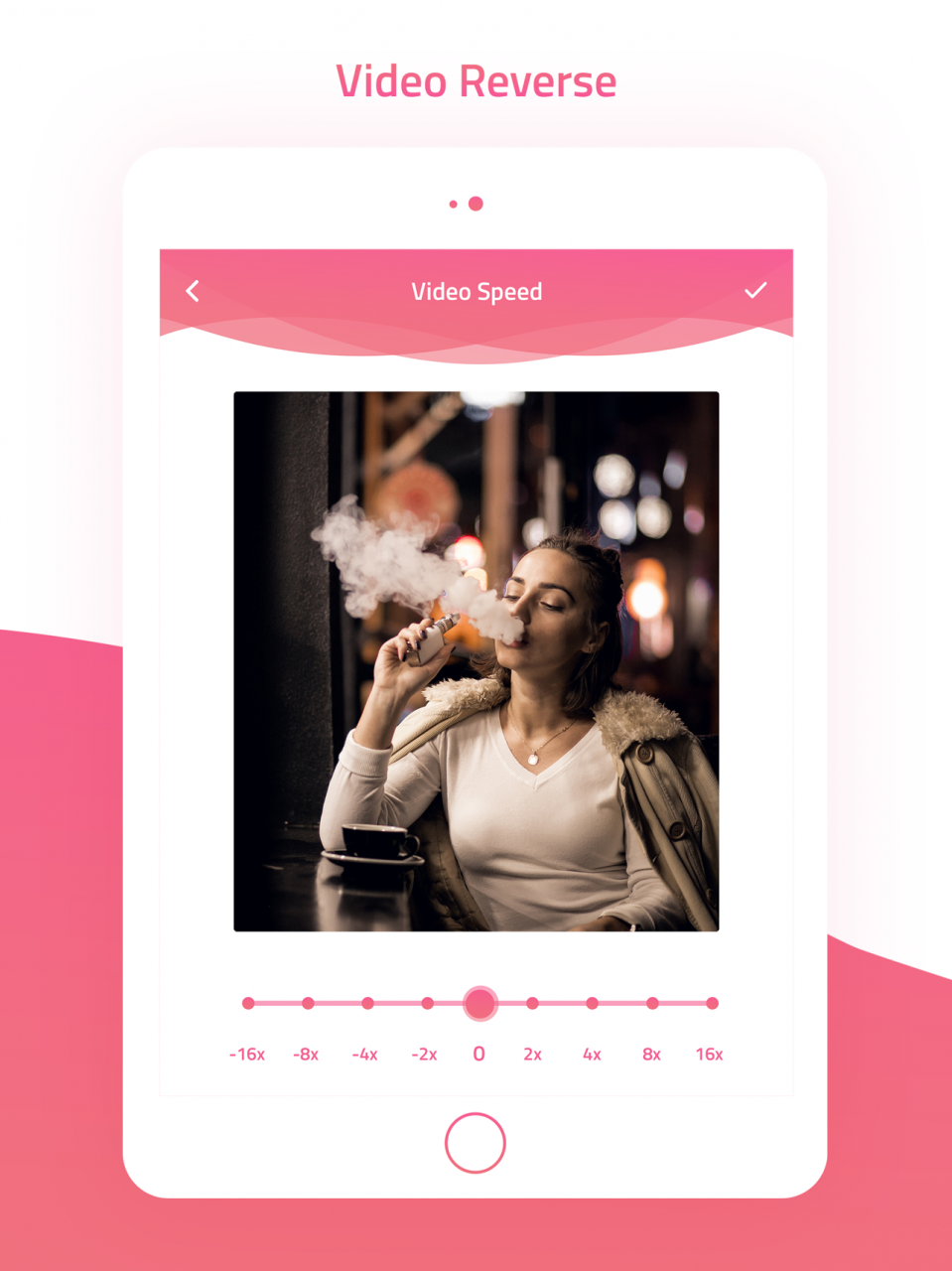
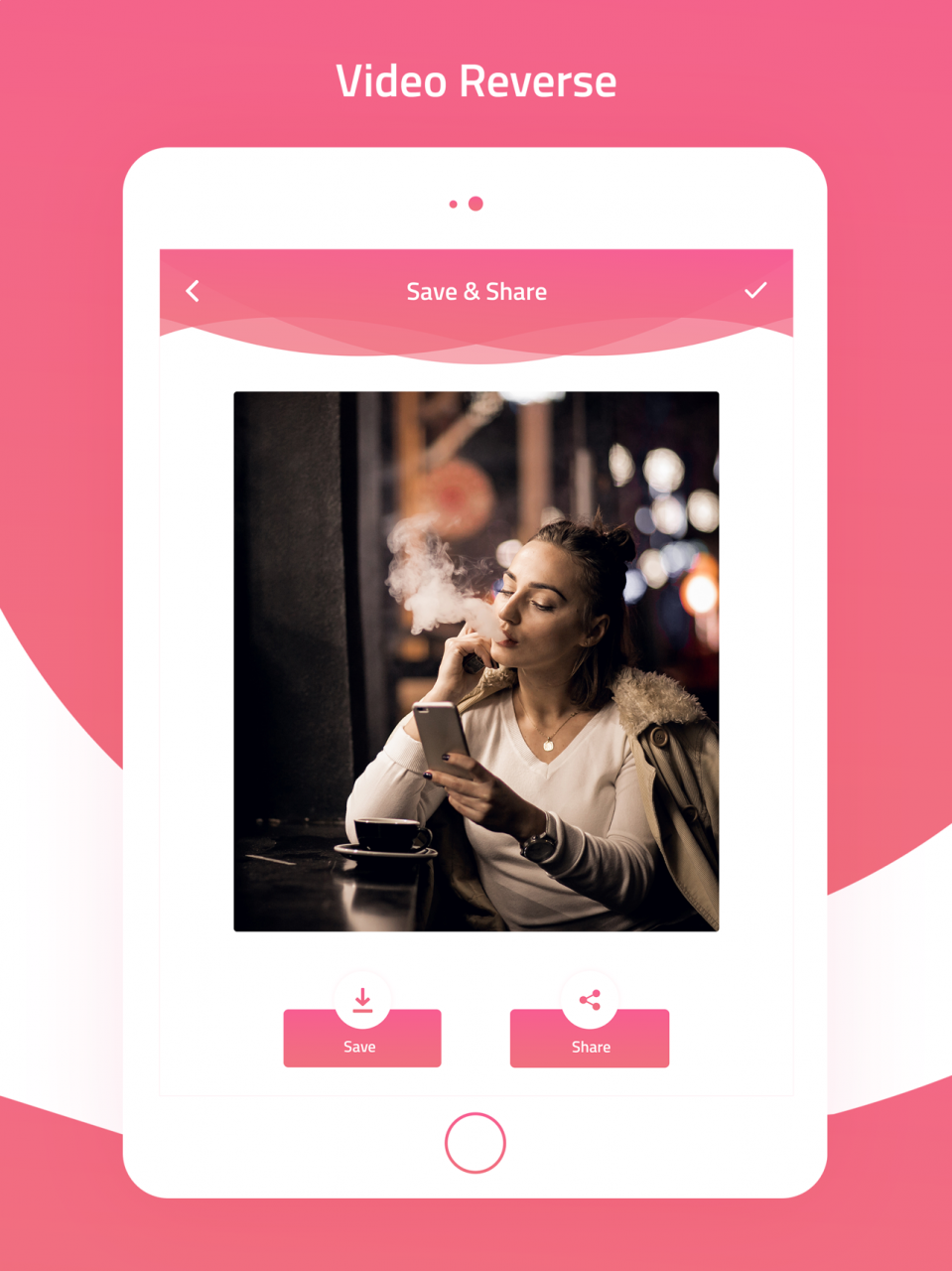
Reverse Video Maker is an app that lets you create a reverse video that looks like a magic trick! First record a video of someone (or you): walking, drinking orange juice, talking or any other idea that comes to your head! After that select a desired movie fragment and press start! The app will reverse your video: you will see people walking backwards, your friend spitting the juice out, people talking backwards!
Ideas to make reverse video.
- Make a coin spin automatically
- Telekinesis
- Make spilt water gathered up
- Make shredded paper get together again
- And many other magics
- Support adjust the tempo of video: make your slow/fast-motion performance
- item kinetic attraction (you have to throw an item)
- tear a sheet of paper
- throwing a sheet of papier to the toilet
- drinking a juice (and spitting it out as a result)
- spilling a juice
- money attracting
Give it a try, you'll be amazed! See how to play video in reverse! You can share the result with your friends to Facebook, Instagram, twitter, you tube,whatsapp, musical.ly and any other social media platform.
Mar 30, 2018 Version 1.1
This app has been updated by Apple to display the Apple Watch app icon.
- Minor bug fixes
About Reverse Movie Maker and Editor
The company that develops Reverse Movie Maker and Editor is Oded Run. The latest version released by its developer is 1.1.
To install Reverse Movie Maker and Editor on your iOS device, just click the green Continue To App button above to start the installation process. The app is listed on our website since 2018-03-30 and was downloaded 9 times. We have already checked if the download link is safe, however for your own protection we recommend that you scan the downloaded app with your antivirus. Your antivirus may detect the Reverse Movie Maker and Editor as malware if the download link is broken.
How to install Reverse Movie Maker and Editor on your iOS device:
- Click on the Continue To App button on our website. This will redirect you to the App Store.
- Once the Reverse Movie Maker and Editor is shown in the iTunes listing of your iOS device, you can start its download and installation. Tap on the GET button to the right of the app to start downloading it.
- If you are not logged-in the iOS appstore app, you'll be prompted for your your Apple ID and/or password.
- After Reverse Movie Maker and Editor is downloaded, you'll see an INSTALL button to the right. Tap on it to start the actual installation of the iOS app.
- Once installation is finished you can tap on the OPEN button to start it. Its icon will also be added to your device home screen.
Program Details
System requirements
Download information
Pricing
Version History
version 1.1
posted on 2018-03-30
Mar 30, 2018 Version 1.1
This app has been updated by Apple to display the Apple Watch app icon.
- Minor bug fixes
